
To using GO in Azure Function, we will use Custom Handler . These are steps :
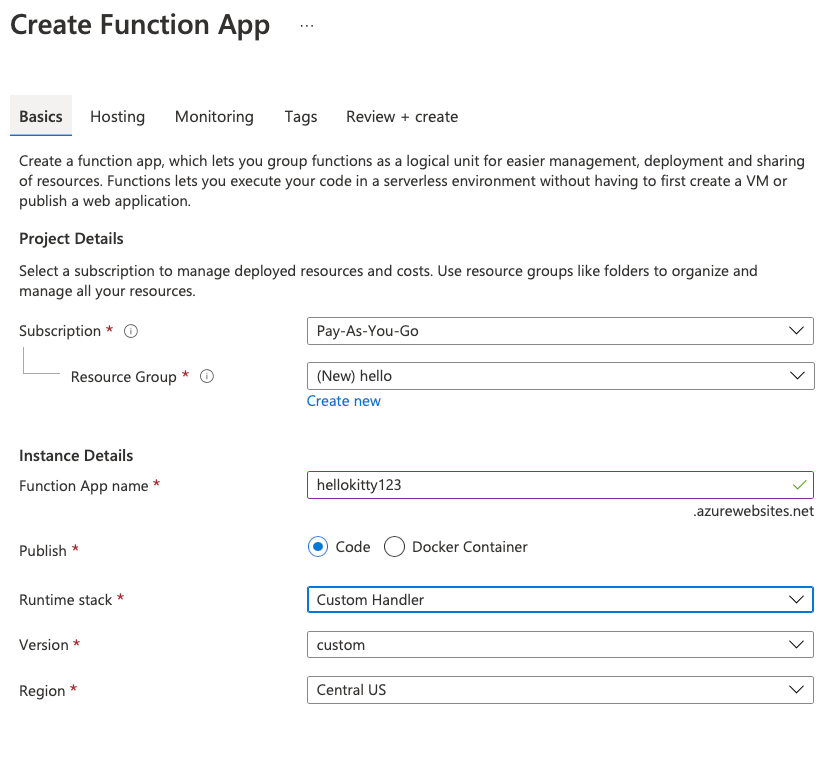
- Add Azure Function
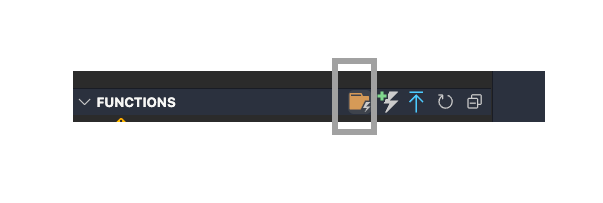
2. In VS Code , Create New Project
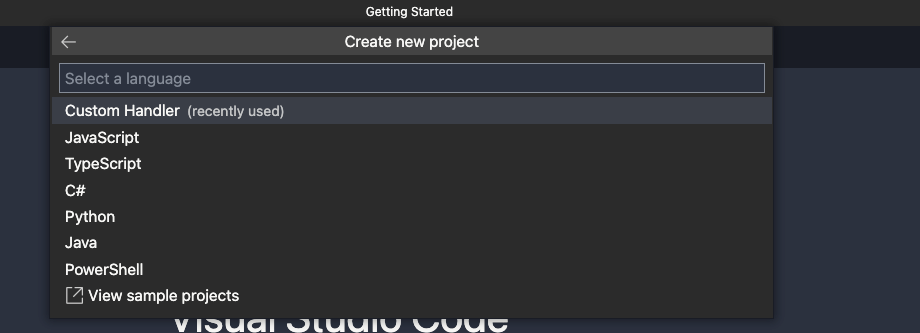
3. Setting Custom Handler
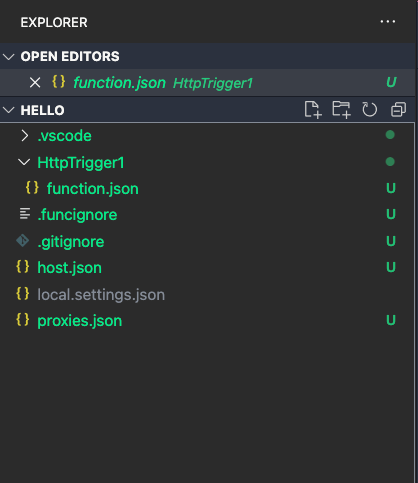
Select HTTP Trigger . After done, folder should be like this
4. Create file handler.go in root folder
package main

import (
	"io/ioutil"
	"log"
	"net/http"
	"os"
)

func helloHandler(w http.ResponseWriter, r *http.Request) {
	w.Header().Set("Content-Type", "application/json")
	if r.Method == "GET" {
		w.Write([]byte("hello world"))
	} else {
		body, _ := ioutil.ReadAll(r.Body)
		w.Write(body)
	}
}

func main() {
	listenAddr := ":8080"
	if val, ok := os.LookupEnv("FUNCTIONS_CUSTOMHANDLER_PORT"); ok {
		listenAddr = ":" + val
	}

	//route must be same with folder name HttpTrigger1
	http.HandleFunc("/api/HttpTrigger1", helloHandler)

	log.Printf("About to listen on %s. Go to https://127.0.0.1%s/", listenAddr, listenAddr)
	log.Fatal(http.ListenAndServe(listenAddr, nil))
}
5. Setting HTTP-only function
In host.json add “enableForwardingHttpRequest”: true , it should be like this. For explanation about HTTP-only function , you can read here :
https://docs.microsoft.com/en-us/azure/azure-functions/functions-custom-handlers
{
  "version": "2.0",
  "logging": {
    "applicationInsights": {
      "samplingSettings": {
        "isEnabled": true,
        "excludedTypes": "Request"
      }
    }
  },
  "extensionBundle": {
    "id": "Microsoft.Azure.Functions.ExtensionBundle",
    "version": "[1.*, 2.0.0)"
  },
  "customHandler": {
    "description": {
      "defaultExecutablePath": "handler",
      "workingDirectory": "",
      "arguments": []
    },
    "enableForwardingHttpRequest": true
  }
}
6. Almost done, now you can test in the local . First, you need to compile your handler
go build handler.go
Open the terminal in VS Code run function locally
func startYou will see the output url

7. To publish your project to Azure in a function app running Linux. In most cases, you must recompile your binary and adjust your configuration to match the target platform before publishing it to Azure.
GOOS=linux GOARCH=amd64 go build handler.go8. From the Command Palette (Ctrl+Shift+P), select Azure Functions : Deploy to Function App to deploy

 Bao Dinh