
Follow the steps here to walk you through the process of deploying a Go application to Elastic Beanstalk
Step 1: Create Go project
Create Go project with application.go:
package main

import (
    "encoding/json"
    "log"
    "net/http"
    "os"
)

func main() {
    port := os.Getenv("PORT")
    if port == "" {
        port = "5000"
    }

    f, _ := os.Create("/var/log/golang/golang-server.log")
    defer f.Close()
    log.SetOutput(f)

    http.HandleFunc("/", func(w http.ResponseWriter, r *http.Request){
        w.Header().Set("Content-Type", "application/json")
        w.Write([]byte("hello golang 123"))
    })

    http.ListenAndServe(":"+port, nil)
}
Test Go locally with command
go run application.go
To view the sample application, type the following URL into your web browser. http://localhost:5000/
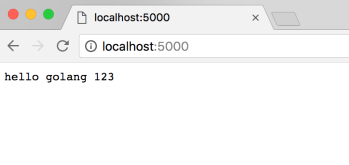
After testing your application, you are ready to deploy it to Elastic Beanstalk.
zip ../goexample.zip -r * .[^.]*
Step 2: Deploy Go zip in AWS Beanstalk
Go to AWS BeanStalk , Create New Application -> Create New Environment :
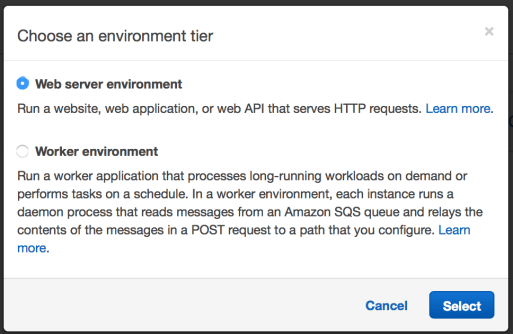
Next upload your zip file:

Create environment. It will take a few minutes.

You’re done.
 Bao Dinh